
Verification and e-certificates
Anyone can open Verification without signing in. Your own e-certificates live in the member space.
1. Check a member card
Open Verification, choose Check a member, then enter the 16 digits. You can paste the full number. Spaces are filled in for you.
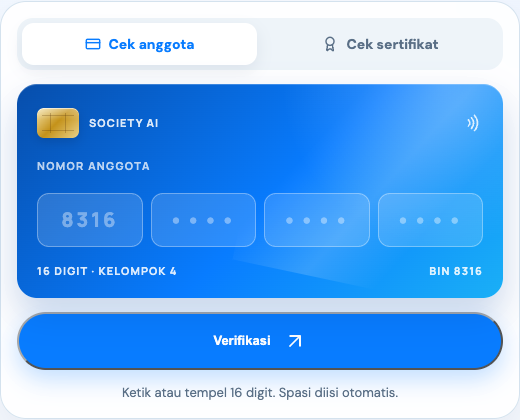
A valid result shows the name, number, and membership status. Private data is not opened on that page.
2. Check an e-certificate
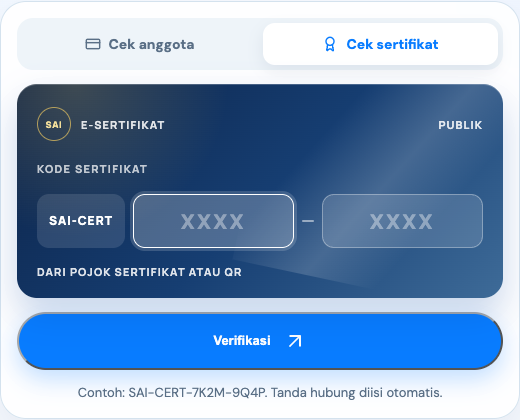
Choose Check a certificate. The code format is SAI-CERT, then two groups of 4 characters. Letters are capitalized for you.
3. Your e-certificate collection
The E-certificates page lists the certificates issued to your account. Open one to view the file, download a PNG or PDF, send it by email, or copy the verification link.
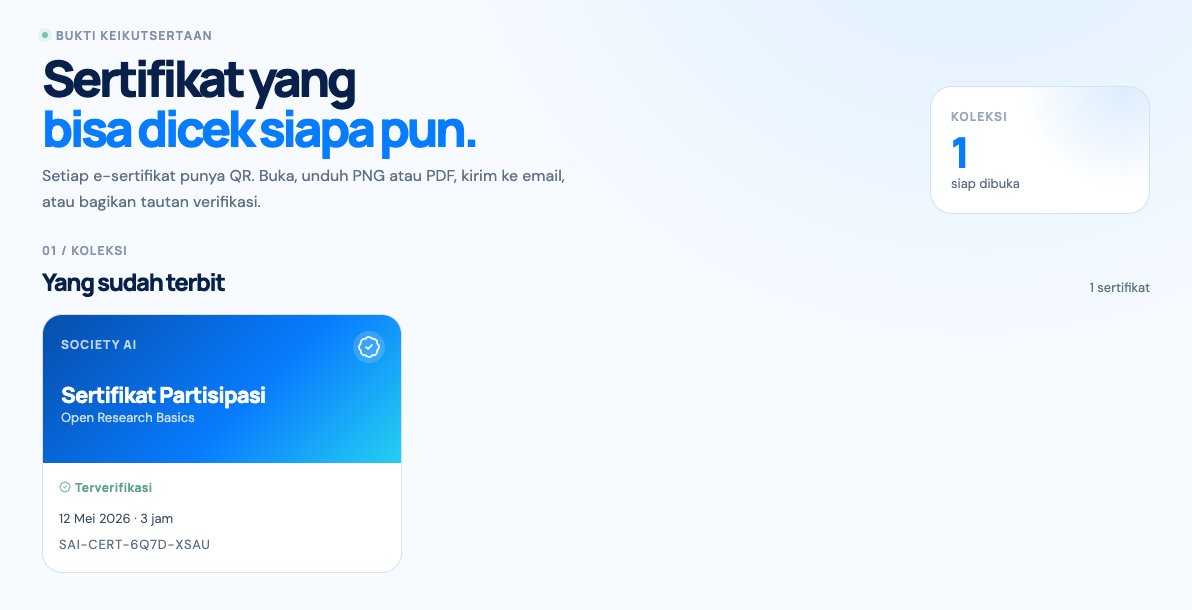
E-certificates are issued from events, usually after you attend and the organizers publish them. Organizers can revoke a certificate if it was issued in error or after a breach. It is proof inside Society AI, not a state diploma.