
Forum and directory
The forum is for asking and sharing. The directory is for finding people. Both live in the member space after you sign in.
1. Reading and writing in the forum
The forum shows conversations that everyone can read, including free accounts.
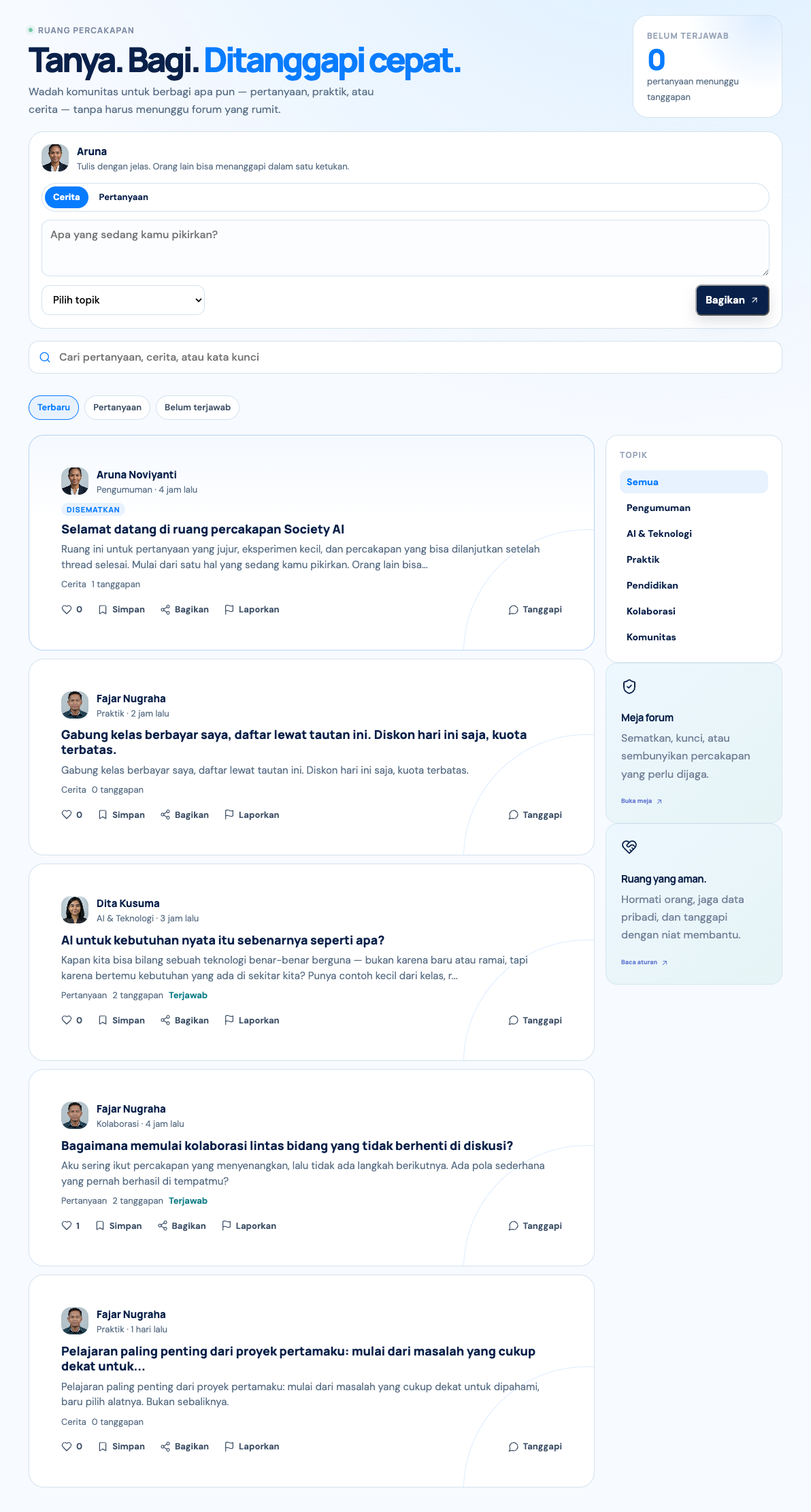
Starting a topic (Story or Question), replying, liking, and marking the best answer all require Active member status.
Filters include Latest, Questions, and Unanswered. You can also search by keyword.
2. Inside a thread
- Reply in a single level, so the thread stays easy to read.
- Like, save, share, or report a post or reply that breaks the rules.
- The person who asked can mark a reply as the answer.
- The chair, officers, and moderators can pin, lock, or hide a thread from the forum desk.
Five forum rules: respect other members, protect personal data, ask a clear question, avoid spam, and report a breach if you see one.
3. Member directory
The directory is for active members who want to find AI academics and practitioners. You can search by name, institution, city, or expertise.
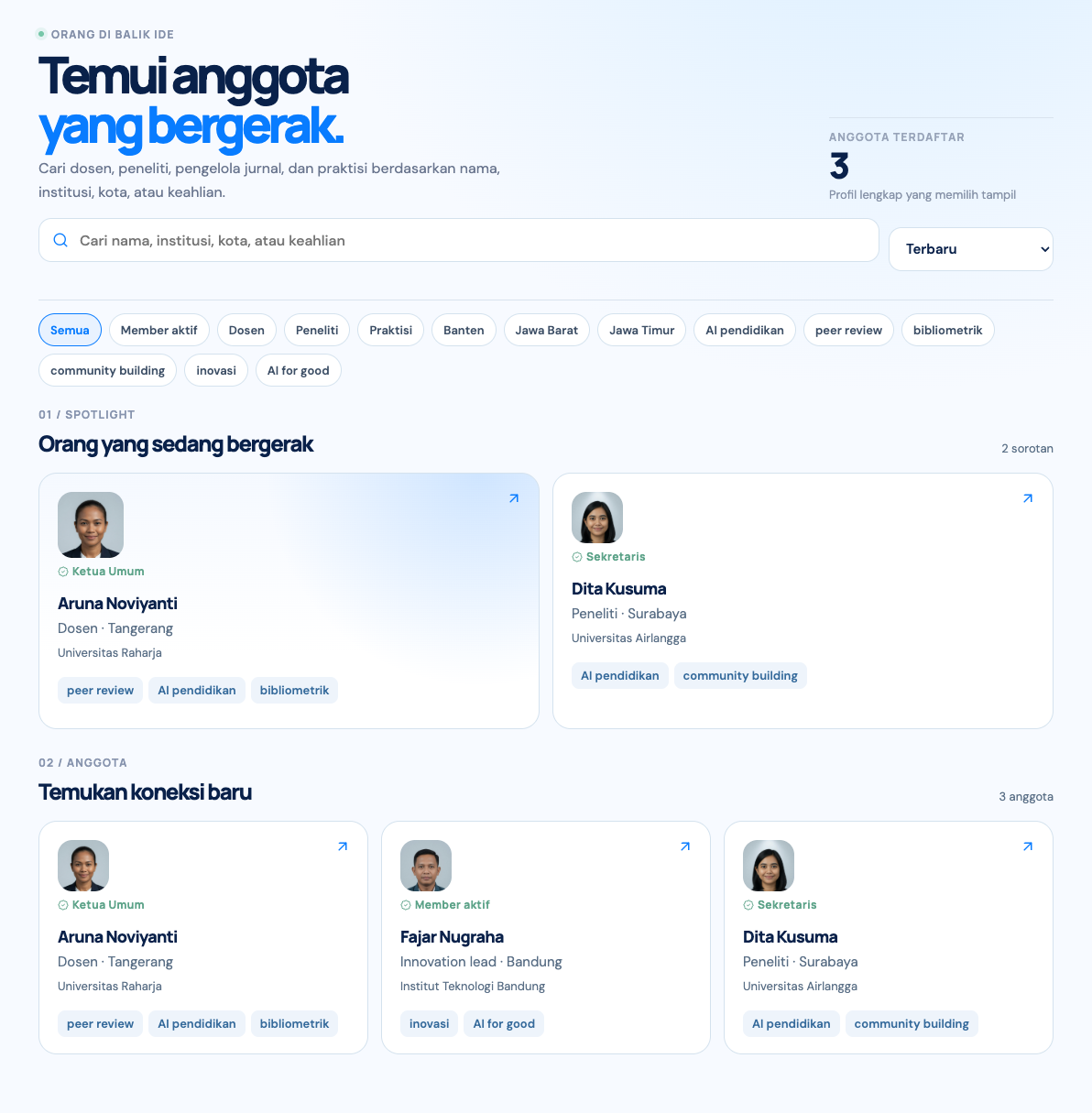
WhatsApp contact can be used between active members if the other person allows it. The number is never shown on a public page.